Classroom Race Timer: Set a Visual Countdown
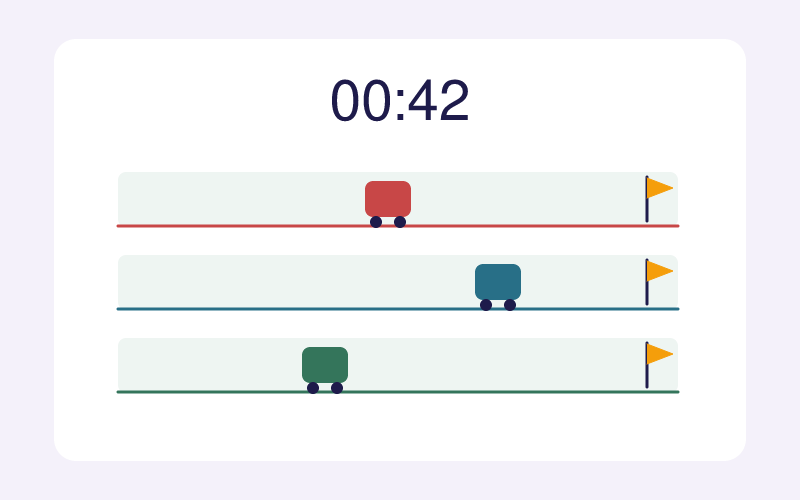
Set the time and racers, then watch a visual race reach the finish.
An animated timer for a shared classroom screen
Choose a duration from 10 seconds to 10 minutes and name two to six racers. Start the countdown and watch each racer move along a separate lane. Pause or resume the race at any time. The finish is random, so use the animation to mark a classroom activity rather than to measure real speed or grade answers.
What students can observe
- Read the remaining minutes and seconds.
- Estimate how much of the race has passed.
- Compare positions while the countdown runs.
Run a classroom countdown
- Set the duration and enter racer or team names.
- Start the race, and pause or resume if the class needs a break.
- At zero, see the random winner. Reset to begin a new round.
For teachers
Show the timer on a shared classroom display for a transition or short practice round. The animated winner is random; it does not score student work. For manual lap and finish times, use Race Timer.